Professional Twitch & Discord Emotes.
Emote Sets · Channel Kit · Alert Sets.
✨ Emote Sets · Channel Kit · Alert Sets · 8 art styles · FLUX 2 Pro & Nano Banana Pro · ⚡ Easy Mode · Photo→Emote · Canvas Editor · Emote Shop · Twitch Direct Upload. Everything a streamer needs — in one place.
No credit card · No subscription · Credits never expire
One character. Every emotion. One click.
Describe your character once and get a whole matching emote set — up to 10 emotions, perfectly consistent, with gaming-style text labels. Powered by Nano Banana Pro.
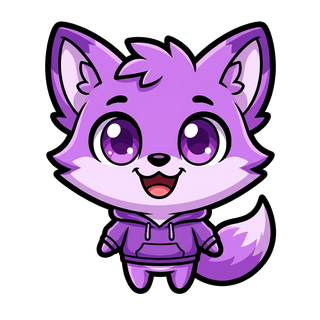
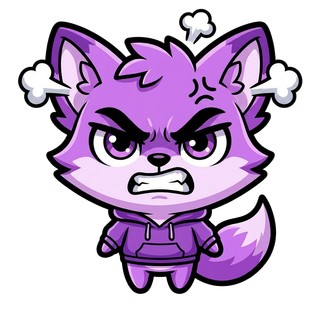
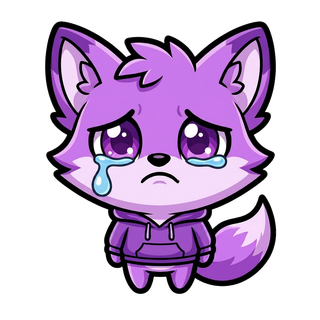
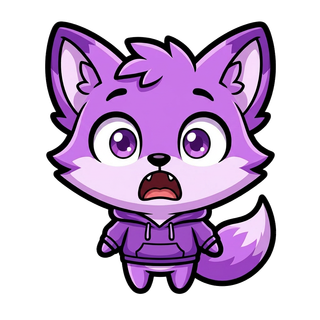
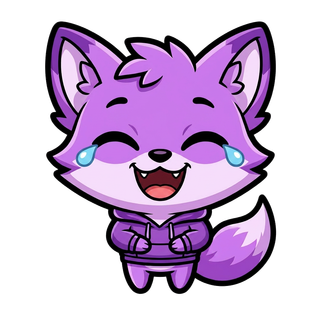
Emote examples — one per style
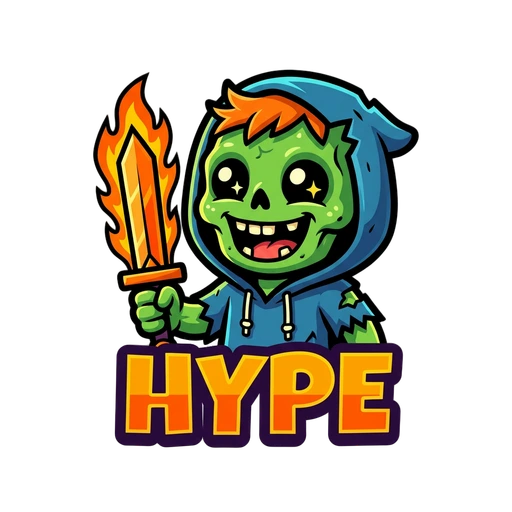

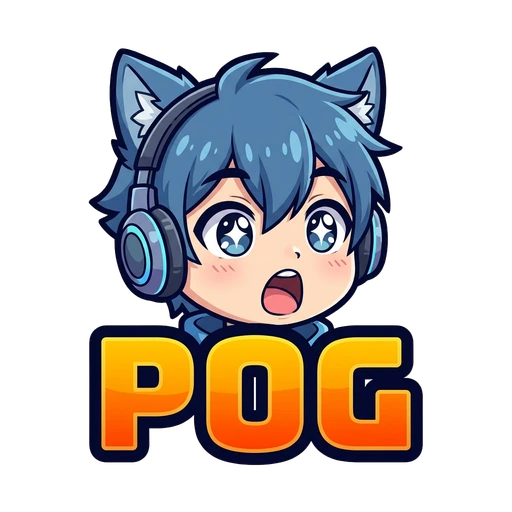

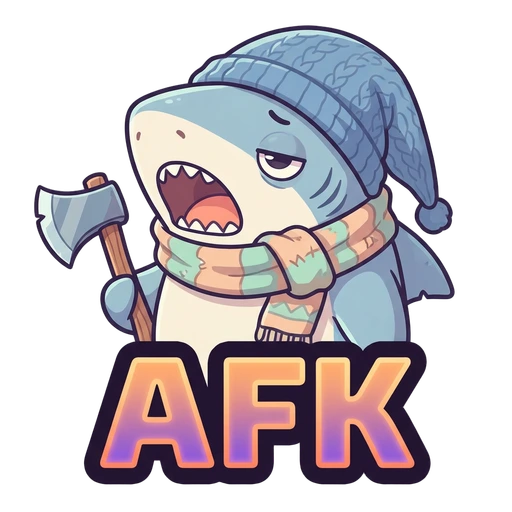
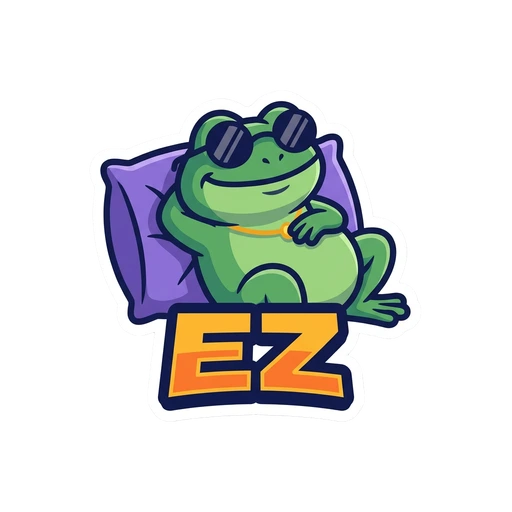
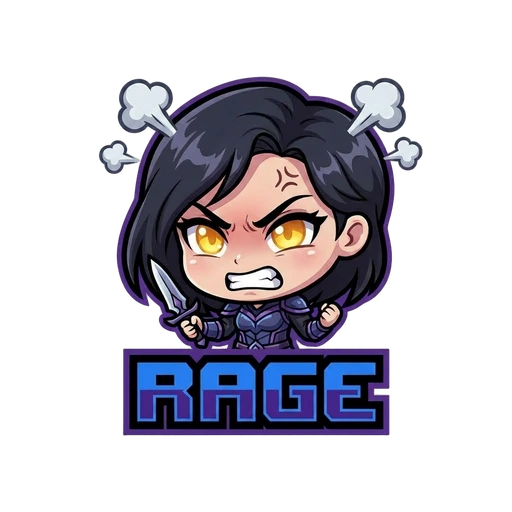
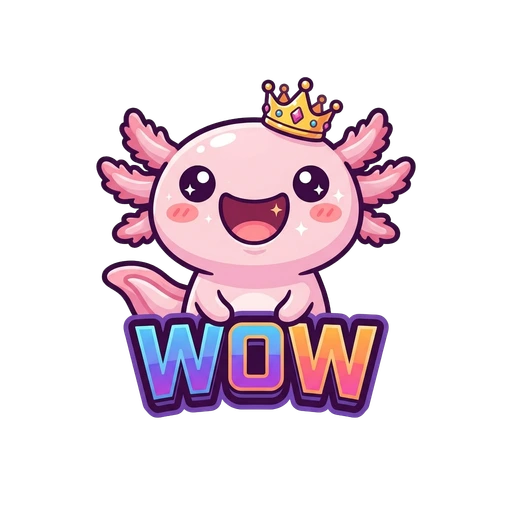
Emote Sets · Channel Kit · Alert Sets — one consistent character
Style and brand your whole Twitch channel with one character: a full emote set, a Channel Kit (panels, banner, offline screen & avatar) and animated Alert Sets. Alerts export as transparent WebM — drag straight into OBS, no green-screen keying.
Alert Set example — one character, animated & transparent
// EXCLUSIVE FEATURES
Your character — perfectly consistent across all 8 styles
Upload any reference image and the AI preserves your character's features while applying any art style. Adjust the strength slider to balance similarity vs. creativity. No extra credits. No training wait. Available on every generation.
Two premium AI models — always the right tool
Single emotes run on FLUX 2 Pro — sharper lines and richer detail across all 8 art styles. Emote Sets, Channel Kit and Alerts run on Nano Banana Pro (Gemini 3 Pro) — the best model for consistent characters and real text. No downgraded quality option — just Pro.
Perfect emotes — no prompting skills needed
Pick character type, emotion, art style, and extras from simple dropdowns. Easy Mode builds the perfect prompt automatically. Or switch to Expert Mode for free-text control — or use Photo→Emote to convert any photo.
Transparent PNG — automatic on every emote
BiRefNet AI removes the background automatically on every emote you generate. No button to press — every download is already a clean transparent PNG, ready for Twitch.
Turn YOUR photo into a cartoon emote
Upload any photo — of yourself, your pet, your character. The AI preserves your features while applying any of the 8 art styles. Most popular with streamers who want themselves as their own emotes.
Panels, banner, offline screen & avatar — one character
One consistent character across your whole channel: Twitch panels, banner, offline screen and avatar. AI-designed text baked in, every asset cropped to its exact platform size — Twitch, YouTube, X, TikTok or Instagram.
Stream alerts that match your brand
6 alert types: Follow, Sub, Raid, Donation, Bits, Host. AI generates a branded still, then Kling v3 Pro animates it and the background is removed. Transparent WebM — drag straight into OBS, Streamlabs or StreamElements.
Add text to emotes — no Photoshop needed
Open any downloaded emote in the Canvas Editor. Add text layers with custom font size, color, bold, and shadow. Drag them anywhere. Download as clean PNG.
Don't know what to type? We've got 96 ideas.
96 curated prompts organized by art style — written specifically for emote generation. Click any prompt to instantly fill the generator. Style-specific suggestions so you always start with something that works.
// COMING SOON
More features on the way
LoRA Character Training
Train a dedicated AI model on your character for perfect consistency across all styles — no reference image needed. Coming with next-gen models.
More Art Styles
We're adding new styles beyond the current 8 — broader options for every creative vision.
More Animations
More motion styles, longer clips, and new animation effects. More motion options on the way.
// EVERYTHING INCLUDED
One tool. Every feature.
8 Art Styles
Cartoon · Pixel Art · Anime · Comic Book · Pastel · Sticker · Chibi · Kawaii — one click to switch.
FLUX 2 Pro — Always
Every emote uses the commercial FLUX 2 Pro model. No cheaper fallback — just studio-grade quality, every time.
Easy Mode Builder
Select character type, emotion, art style, and extras from dropdowns — no prompting skills needed. Easy Mode builds the perfect prompt automatically.
Expert Mode
Write your own free-text prompt for full creative control. Combined with 8 art styles and Character Reference for unlimited possibilities.
Auto BG Removal
BiRefNet AI removes backgrounds automatically on every single generation. Every download is a clean transparent PNG — no action needed.
Character Reference
Upload any image as a style reference. The AI preserves your character's features across all art styles.
All Twitch Sizes
Auto-exported in 112×112, 56×56, and 28×28 px — exactly what Twitch requires, ready to upload.
100% Commercial Rights
You own every emote you generate. Use them on Twitch, sell merch, do whatever you want.
Credits Never Expire
No monthly reset. No urgency. Credits stay in your account until you use them — on your own time.
Photo → Emote
Upload any photo. AI converts it into any of the 8 art styles while preserving your character's features.
Channel Kit
Panels, banner, offline screen & avatar — one consistent character, cropped to exact platform sizes with AI-designed text.
Animated Alert Assets
6 alert types (Follow/Sub/Raid/Donation/Bits/Host). AI generates + animates — transparent WebM for OBS.
Canvas Editor
Drag text layers onto any emote. Custom size, color, bold, shadow. Download as clean PNG — no Photoshop.
WhatsApp Sticker Export
Download any emote as a 512×512px WebP — the exact format WhatsApp requires. Free after your Twitch download.
Step-by-Step Tutorial
16 sections covering every feature — from your first prompt to Photo→Emote and Character Reference. Available in EN, DE & ES.
Collections & Folders
Organize emotes into named folders. Filter your dashboard by collection. Perfect for big emote libraries.
Prompt Library
96 curated prompts organized by art style. Click any prompt to instantly fill the generator — the perfect starting point.
Emote Shop
Browse and buy community emotes in the Emote Shop — ready-to-use designs in all 8 styles. Find the perfect emote in seconds.
// COMPARISON
The most complete emote tool.
Period.
We built everything other tools are missing.
// PRICING PROMISE
// PRICING
Simple, transparent pricing
Buy credits once. Use whenever. No subscription.
21 features. One platform.
Everything your stream needs.
Emote Sets · Channel Kit · Alert Sets · Canvas · Character Reference · Emote Shop · Twitch Upload. All features — one credit at a time.
⚡ Start for Free →Free credits on signup · No credit card required